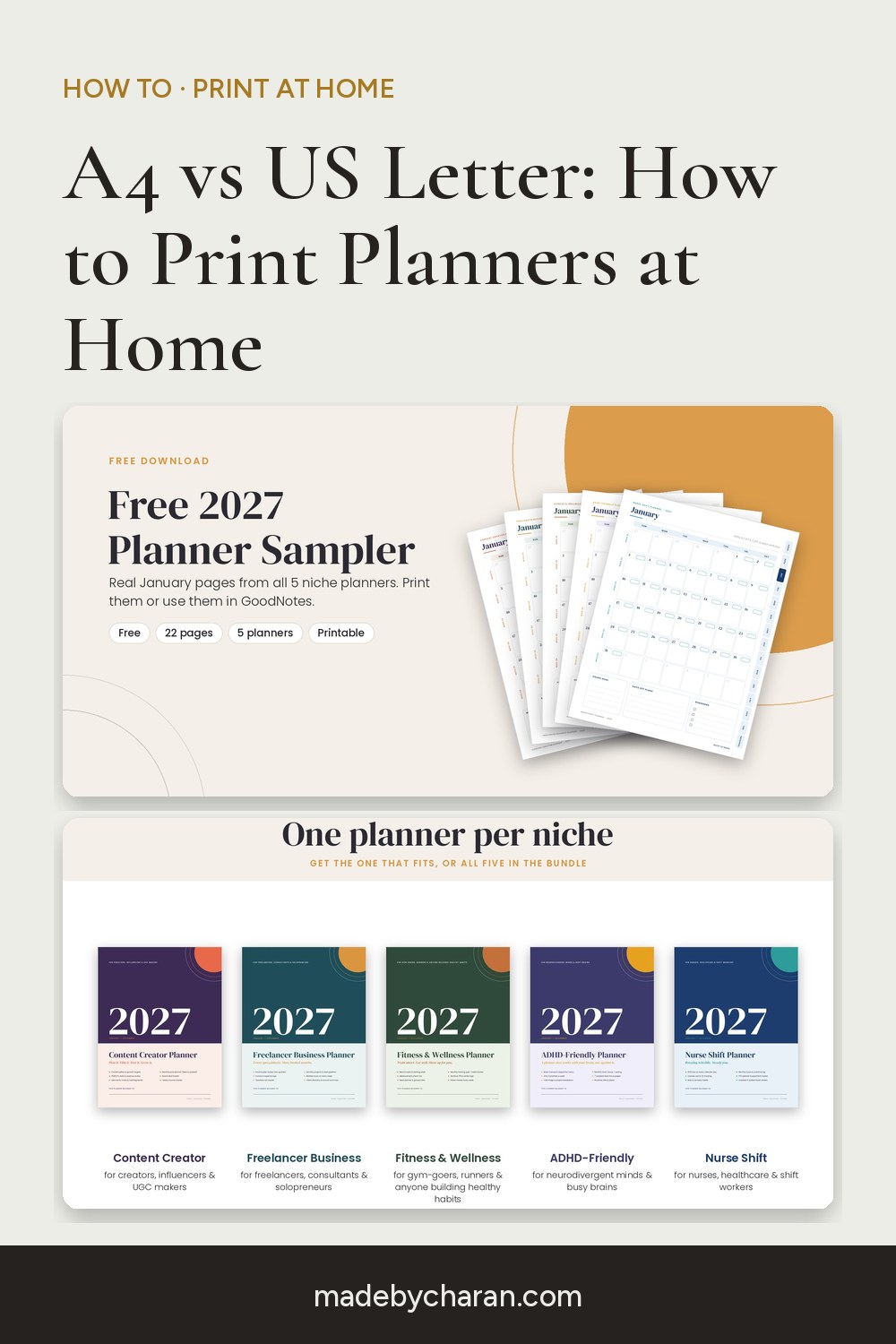
A4 vs US Letter: How to Print Planner Pages at Home (US, UK, India and Beyond)
You've downloaded a printable planner and you're ready to print, then you hit the first question: A4 or US Letter? Print the wrong one and you get cut-off edges or awkward white borders. Here's how to choose, and how to get crisp, professional-looking pages from a home printer.
A4 or US Letter: which one is yours?
The two sizes are close but not the same:
- US Letter: 8.5 × 11 inches (216 × 279 mm). It's slightly wider and shorter.
- A4: 210 × 297 mm (8.3 × 11.7 inches). It's slightly narrower and taller.
Use US Letter if you're in the United States or Canada, where it's the standard paper in shops and printers. A few other countries, including Mexico and the Philippines, also commonly use Letter.
Use A4 almost everywhere else: the UK, Ireland, India, Australia, New Zealand, Europe, the Middle East, Africa and most of Asia.
Not sure? Measure a sheet from your printer tray. If it's 297 mm tall, it's A4.
All our printables include both sizes, so just pick the file that matches your paper.
The printer settings that matter
- Scale: "Actual size" or 100%. "Fit to page" can shrink your pages slightly, and "Fill" can crop the edges.
- Paper size: match it to the file (A4 file on A4 paper).
- Quality: "High" or "Best", especially for colour pages.
- Double-sided: if your planner is meant to be printed front and back, choose flip on long edge for portrait pages.
- Print a test page first before running all 100+ pages.
Which paper to use
- Everyday planner pages: 90–100 gsm (about 24–27 lb bond) feels noticeably nicer than standard copy paper and reduces show-through.
- Covers, cards and games: 200–250 gsm card stock (about 65–90 lb cover) for anything that gets handled, like party game cards.
- Pens: if you use gel pens or markers, heavier paper stops them bleeding through.
Binding your planner
- Ring binder or disc binding: the most flexible option; add and remove pages as you go.
- A local print shop: ask for spiral or wire binding, which costs very little and looks professional.
- Clipboard or folder: perfect for monthly pages you replace each month.
Prefer not to print at all?
Many planners also work as digital planners. Open the PDF in GoodNotes or Notability on an iPad (or any PDF app with a stylus) and write directly on the pages. Hyperlinked planners let you tap from the calendar to any week, which is something paper can't do.
Try it with free pages
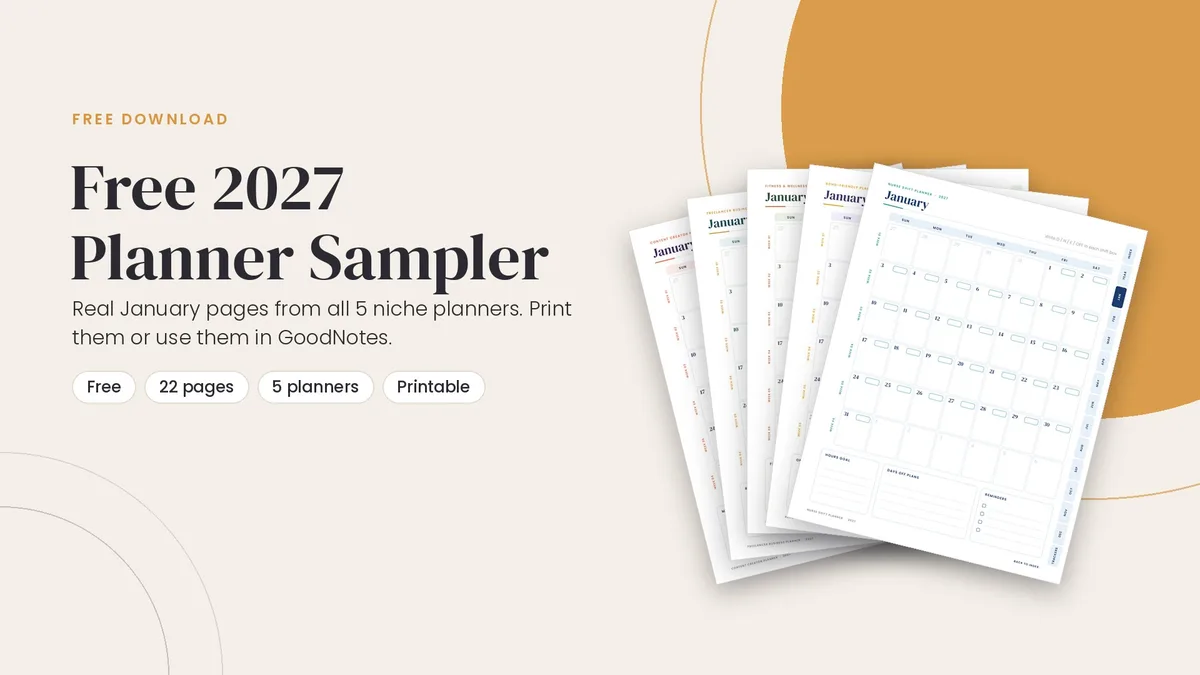
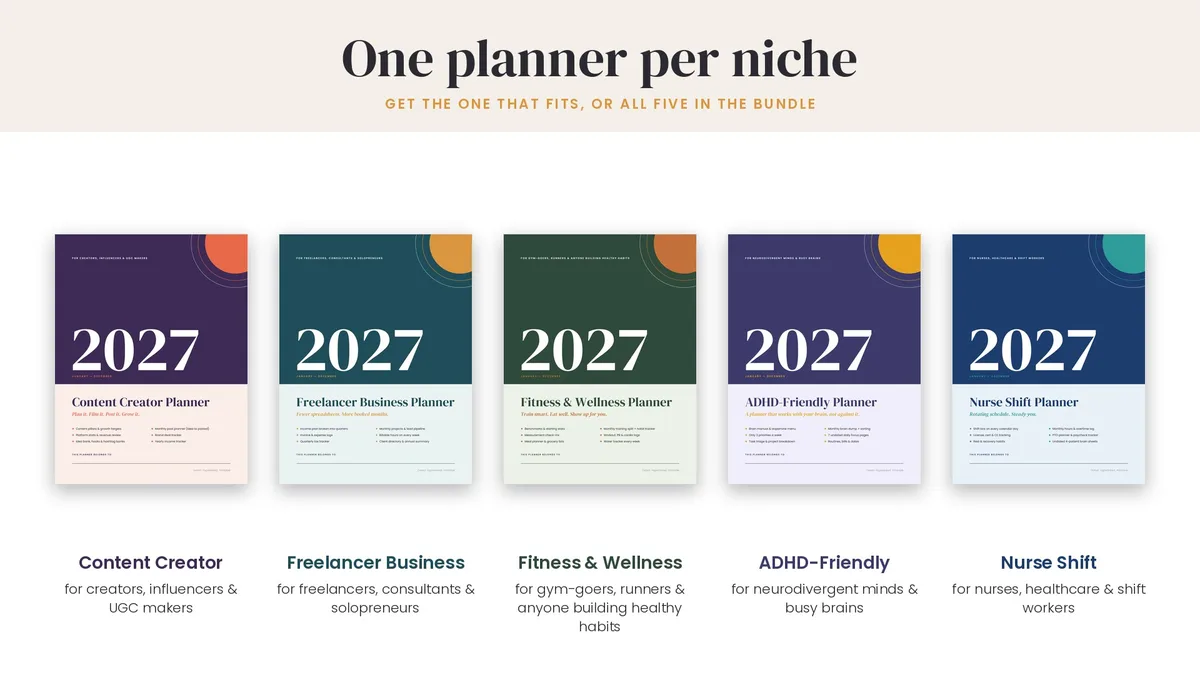
Want to test your printer settings before buying anything? The free 2027 planner sampler has real pages from five planners. Every planner in the shop includes both A4 and US Letter files, with Monday and Sunday start.
Happy printing!
Save this for later: pin the image below to your Pinterest board.